1
Create a Zapier account on Zapier.com if you don’t have one already.
2
Start creating a new zap and search for Neynar when setting up your trigger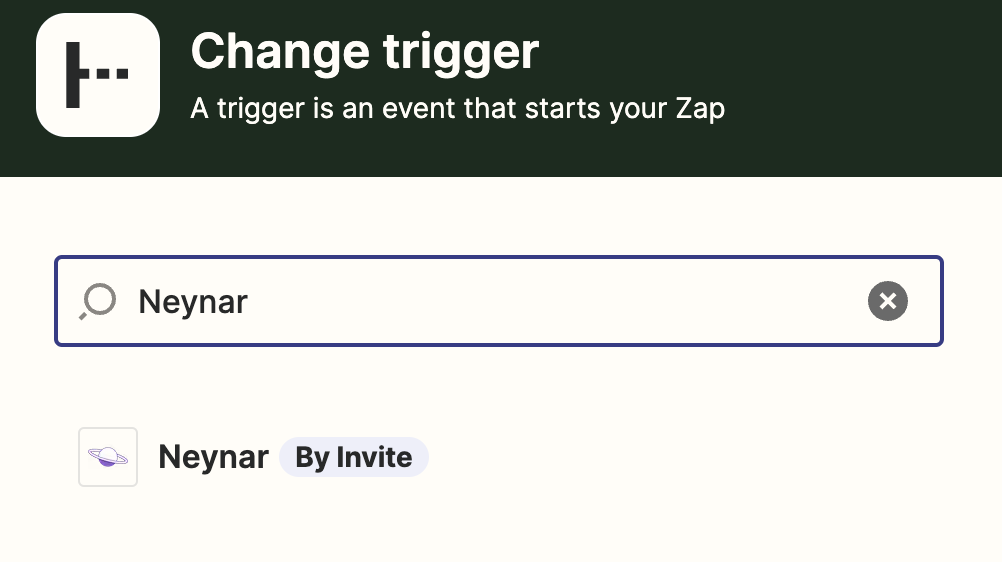
3
Choose Neynar as trigger
4
Then choose which Farcaster event you want to get notified for — every new cast on the protocol or a mention of a specific user in a cast
5
On the account step, insert your Neynar API key to connect your Neynar account with Zapier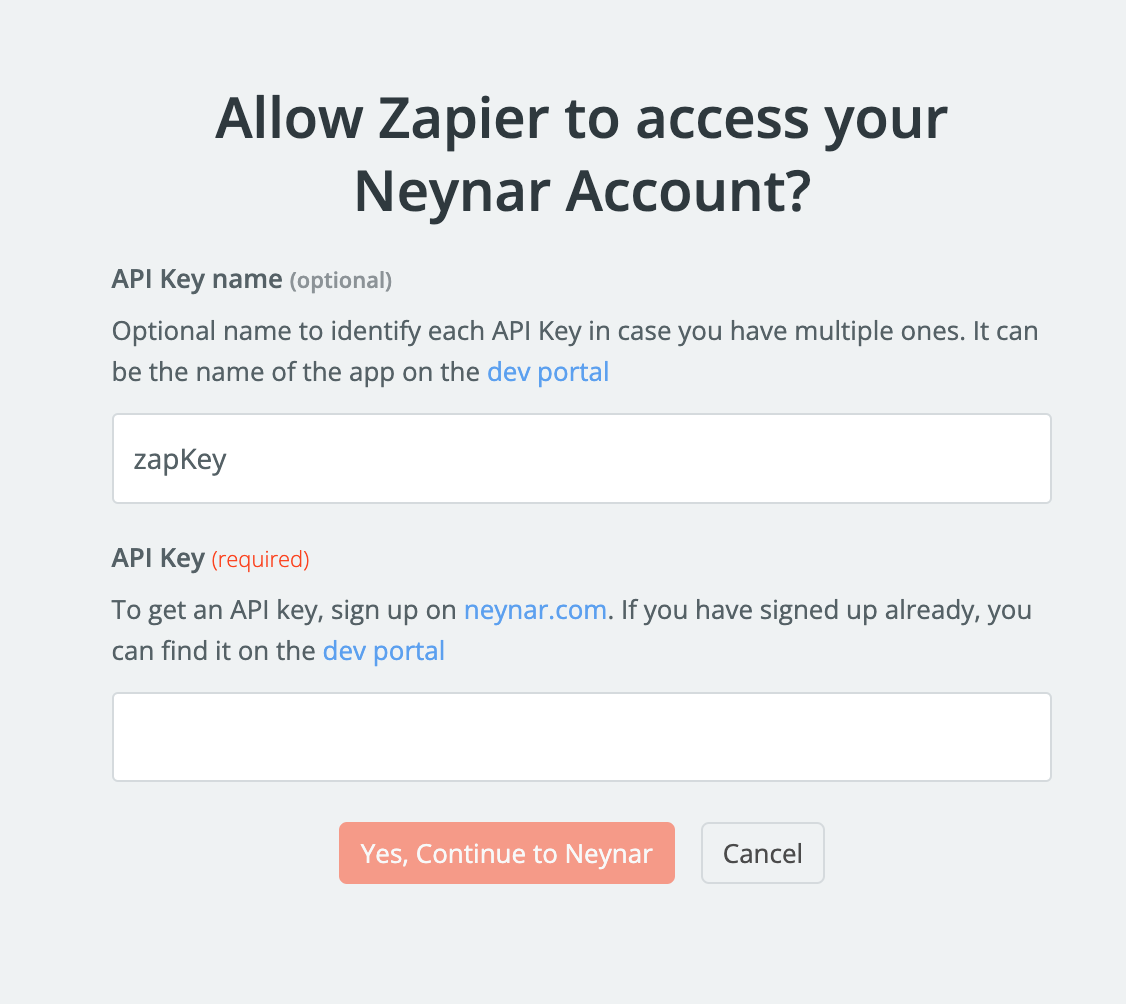
6
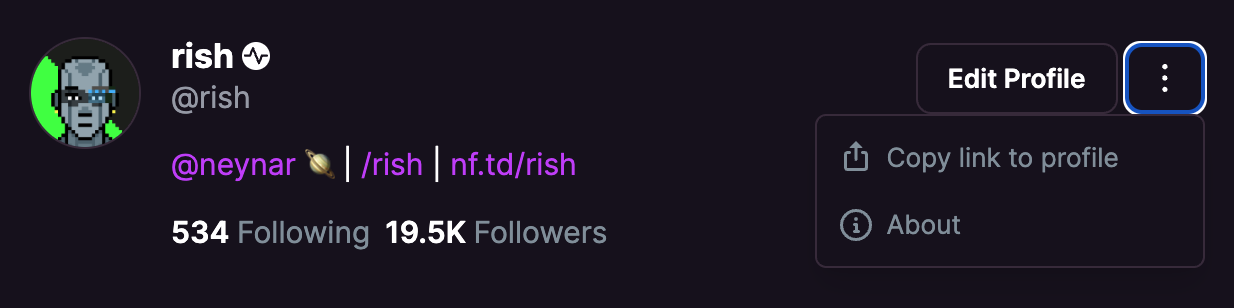
If mention of a specific user, enter the FID of the user you want to get webhook notifications for. You can find the FID of an account by looking at the “About” section of that account on Warpcast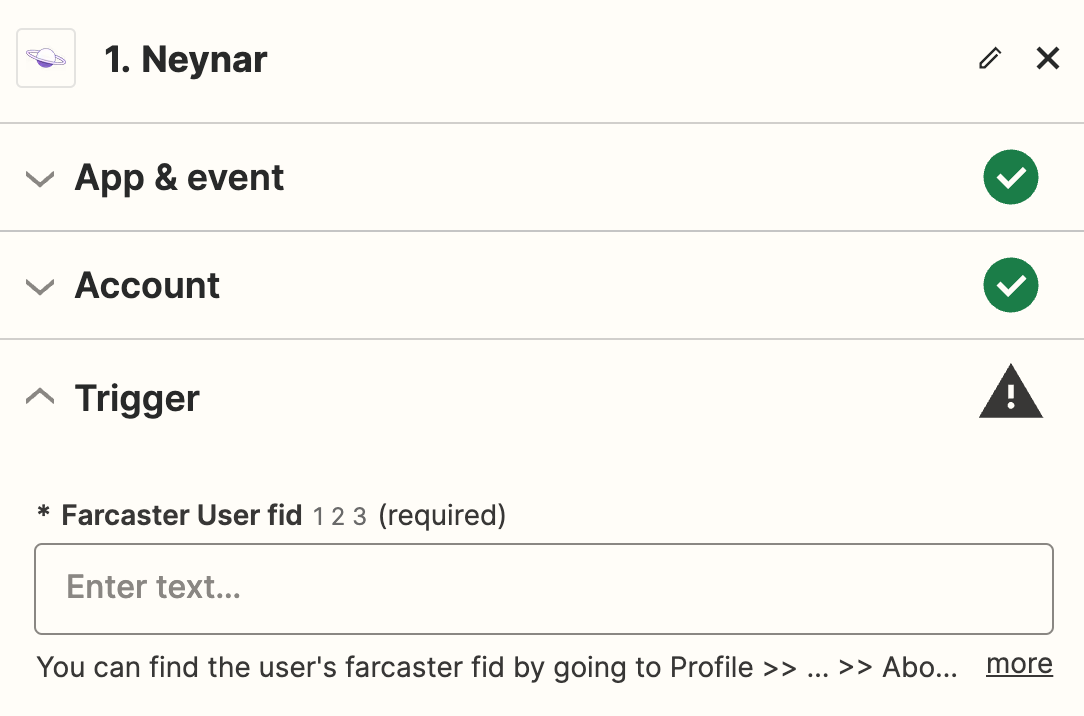
7
Test your trigger after setting the FID. If there is a recent cast on the network with the mention, it will show up. If not, make a cast and wait a few minutes before testing again. Proceed with a selected record as example.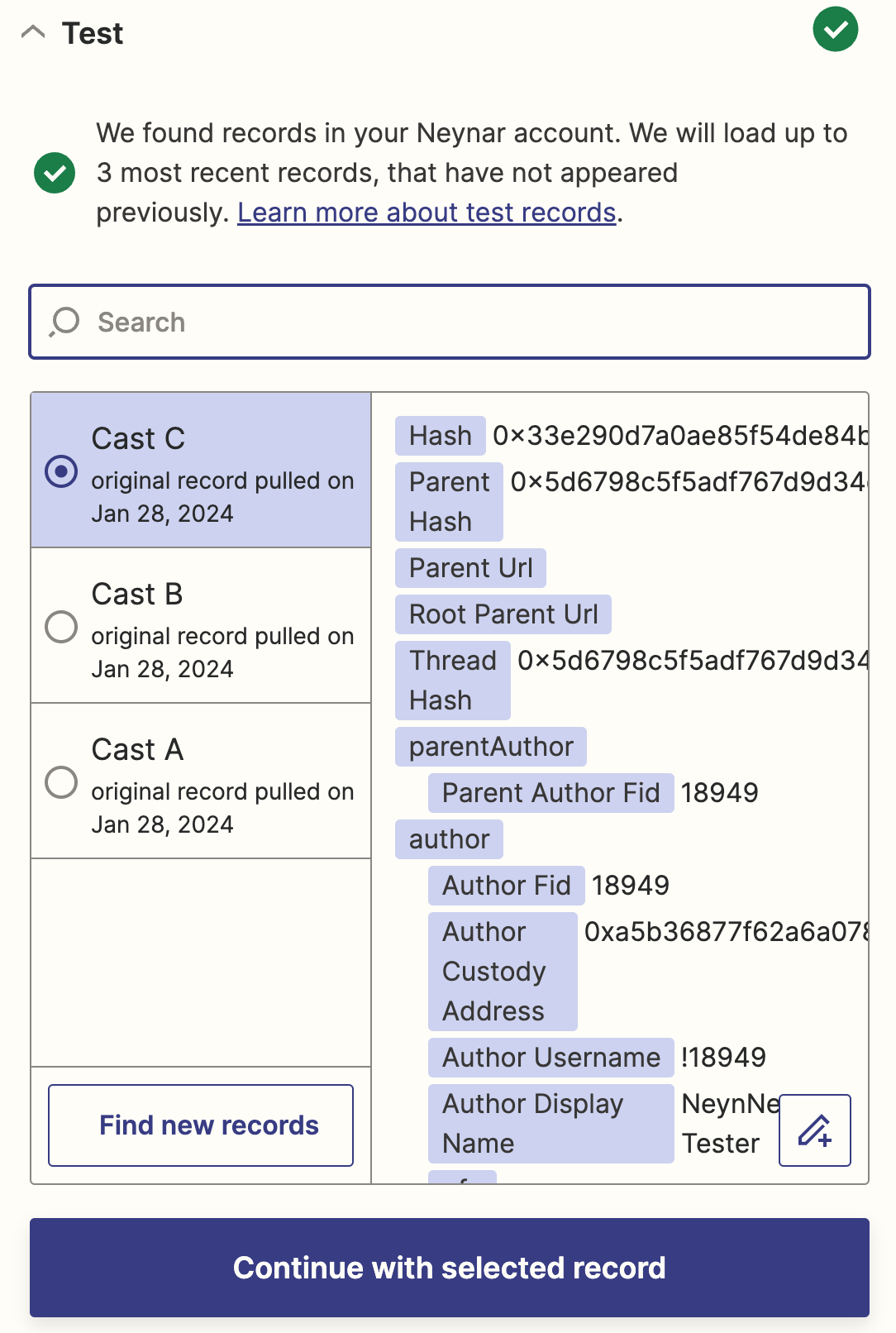
8
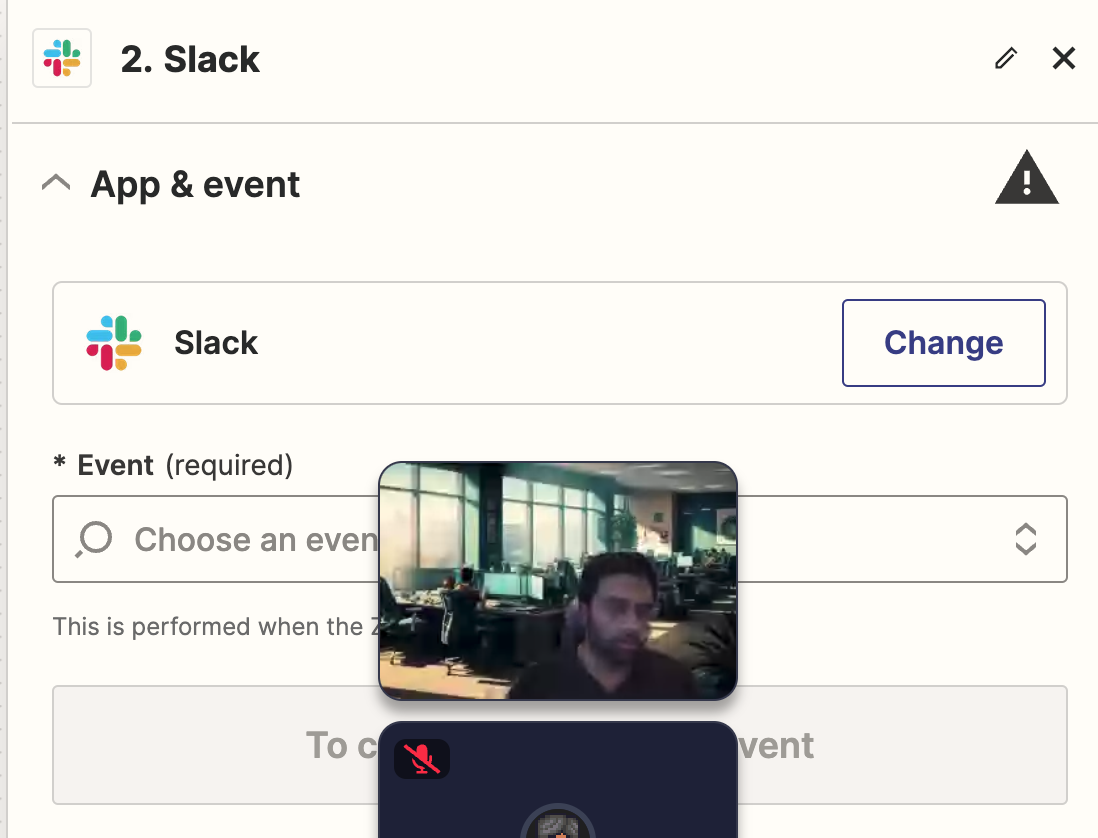
Choose the action you want to take based on the webhook e.g. sending a message in Slack. Finish setting up the action on Zapier and you’re done!